 Andrew Kwak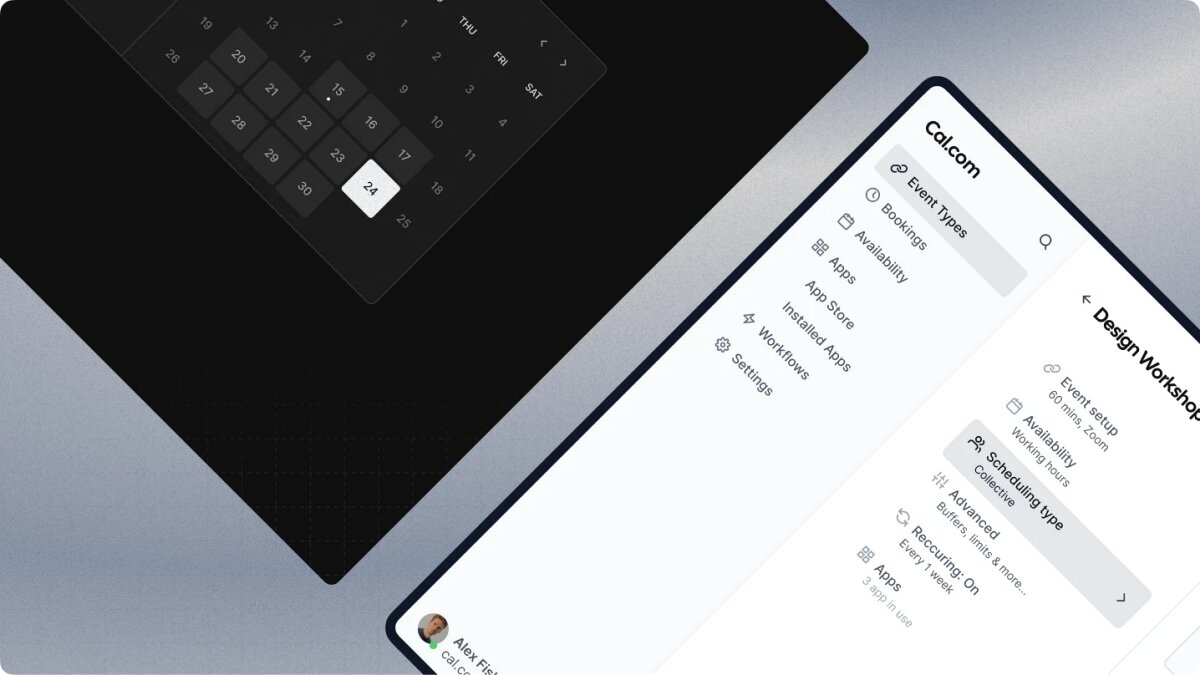
Most of the owners we work with take bookings by phone, and most of them hate it. A nail salon owner put it to us this way. The phone rings during a service, she stops to answer it, the customer in the chair waits, and once or twice a month she double-books someone and has to apologise. Four or five calls in a two-hour appointment is normal for her.
This piece is the setup we recommend when someone asks how to fix that without spending money. The free system takes about thirty minutes. At the end we cover the point where free tools stop being enough, because that point does arrive for some businesses, and it helps to recognise it when it comes.
What phone bookings actually cost
Count the calls for a week. A small salon, clinic or workshop typically takes fifteen to twenty booking calls a day. At three minutes each that is close to an hour a day, or twenty-plus hours a month, spent on a task a web page can do. The hidden costs are larger than the hour. Nobody can book while you are closed, so the enquiry that arrives at 9 pm goes to whoever answers first the next morning. Bookings written by hand get double-entered or missed. And without a confirmation and a reminder, no-shows run high. Businesses that start sending reminders usually see the rate fall by a third or more, and that alone pays for the effort.
The free setup, in thirty minutes
We recommend Cal.com. It is free for an individual account, it syncs both ways with Google Calendar, and it sends confirmation emails to you and the customer automatically. TidyCal is a simpler alternative with a free tier. The steps below are for Cal.com but are close to identical on either.
Create the account (five minutes)
Sign up with the Google account that owns your business calendar and connect that calendar when asked. Set the time zone to the shop's time zone. Cal.com treats anything already in the calendar as busy, which is exactly what you want.
Set up the services (ten minutes)
Each service is an "event type". Create one for each thing customers book, such as a haircut, a colour, a consultation or a service call, with its real duration. Set the working hours for each, including the lunch break. Then use the two settings most people skip. Add a buffer of five or ten minutes after each booking so back-to-back appointments have room to run over, and set a minimum notice, for example two hours, so nobody books a slot that starts in ten minutes.
Add the questions you would normally ask on the phone as booking questions. Name and phone number are required by default. Add "preferred staff member" and "anything we should know" as optional fields, and keep the form to four or five questions. Every extra required field loses a few bookings.
Put the link where customers already are (ten minutes)
Cal.com gives you one link. Put it in four places. The "Book" button on your website, the appointment link field in your Google Business Profile, the link in your Instagram or Facebook bio, and a QR code on the counter or the shop window. The Google Business Profile one matters most, because that is where people who just searched for you are already standing.
Turn on the reminder email to the customer the day before. Both tools support it. If most of your customers book by phone today, the reminder alone will change your no-show rate more than anything else in this article.
That is the whole setup. From that point you are taking bookings while you sleep, and every booking lands in the calendar you already check.
Where free tools run out
After a few months on a free tool, owners tend to come back with the same four requests. They want bookings to flow into the point-of-sale system instead of being retyped. They want to take a deposit at booking time to stop no-shows, which Cal.com can do for the simple case through its Stripe integration, but not deposits that depend on the service or the customer. They want regulars to get their own price or a loyalty discount automatically. And once there are three or four staff, they want one view of everyone's day that also knows who can do which service.
None of those are failures of the free tool. They are signs that bookings have become part of how the business runs, and the tool was only ever meant to collect them.
When it is time for something custom
A custom booking system is worth looking at when several of these are true at once. You take ten or more bookings a day. You have three or more staff whose schedules interact. You need a deposit or payment at booking time. You already run a POS, inventory or accounting system that the bookings should feed. You have more than one location. Or you want to use the booking history, who came when and for what, to bring customers back.
If only one or two apply, stay on the free tool and revisit in six months. If four or more apply, the manual work around the free tool is already costing more than a build would.
What a custom system connects
The value of a custom build is not the booking form. It is what happens after the customer clicks confirm. The booking appears in the calendar, goes into the POS, notifies the staff member, sends the customer a confirmation and checks that the materials or the room are available. If a deposit is required, the booking is only confirmed once the payment clears, and unpaid slots go back on sale automatically.
After the visit, the system writes the visit to the customer record, suggests the next visit date based on the service, sends a review request and updates any loyalty status. Over a year that record becomes the basis for the marketing most small businesses never get around to. A message to customers who have not been in for three months. A birthday offer. A quiet-week promotion sent only to the people who like that service.
Questions we get asked
Can we keep our data when we move off the free tool? Mostly, yes. Cal.com and TidyCal export bookings as CSV, so customer names, contact details and booking history come across. Some detail, such as answers to custom questions, may need cleaning up.
How long does a build take? A booking system with payments and POS integration typically takes four to eight weeks. Larger systems with multiple locations, staff rostering and marketing automation can run to three or four months.
Do we need to budget for maintenance? Yes. Payment providers, calendar APIs and phone operating systems change, and a system nobody maintains breaks eventually. A common rule of thumb is 15 to 20 percent of the build cost per year. Ask any developer you talk to what that covers and what it does not.
Will staff need training? If the system is designed well, about thirty minutes. When you brief a developer, say explicitly that staff of any age and any level of comfort with technology need to use it on a busy Saturday. That single sentence changes how the screens get designed.
Start this week
A booking system is not a convenience. It is open at any hour, it cuts no-shows, it keeps the owner off the phone during services, and it records who came and when. The free version above gets you most of that in an afternoon. Set it up this week, run it for three months, and your own numbers will tell you whether the next step is worth it.